Effect FX
by jkeller
FREE
Description
This extension provides customizable icons for conditions (or any other effect) on a combatant. Icons are automatically added/removed as the effects are added/removed.
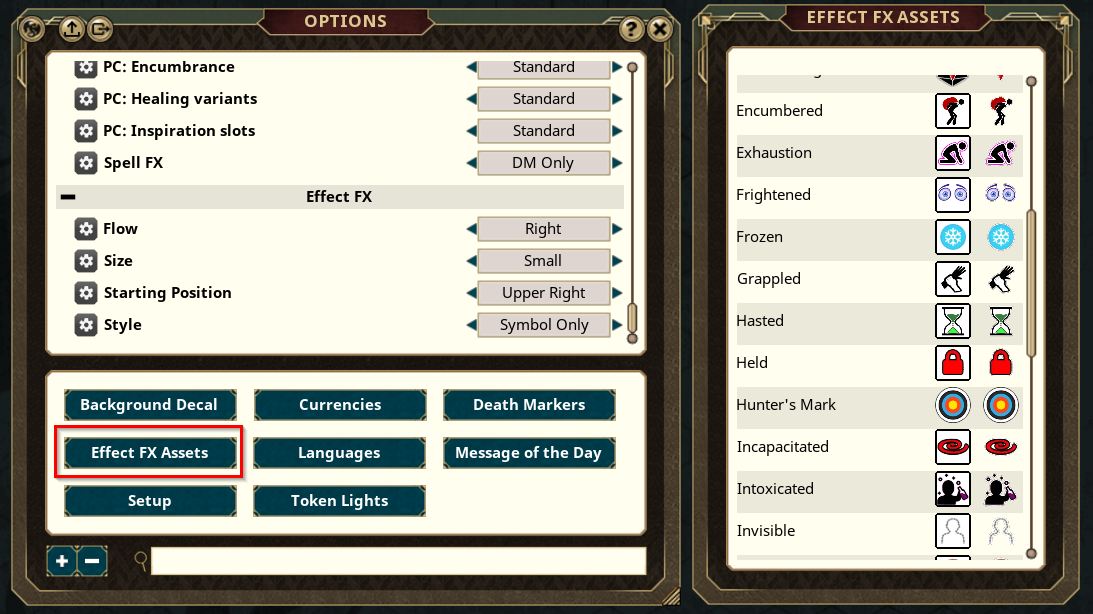
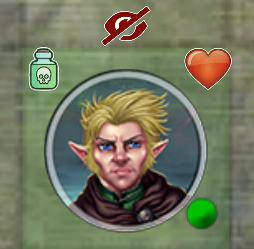
Several options control the icon size (small, medium, or large), style (off, boxed, or icons), position (which token corner), and flow (up/down, left/right, clockwise/counter, star).
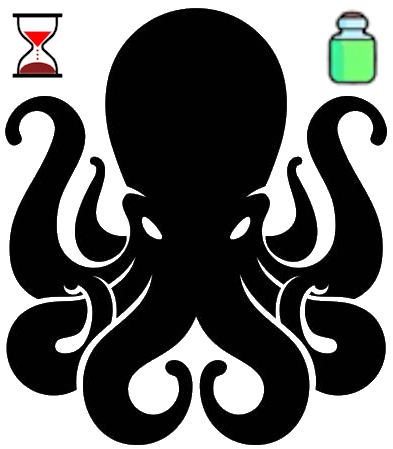
The icons are added on separate map layers, but will move with the map token, and are removed if it is removed.
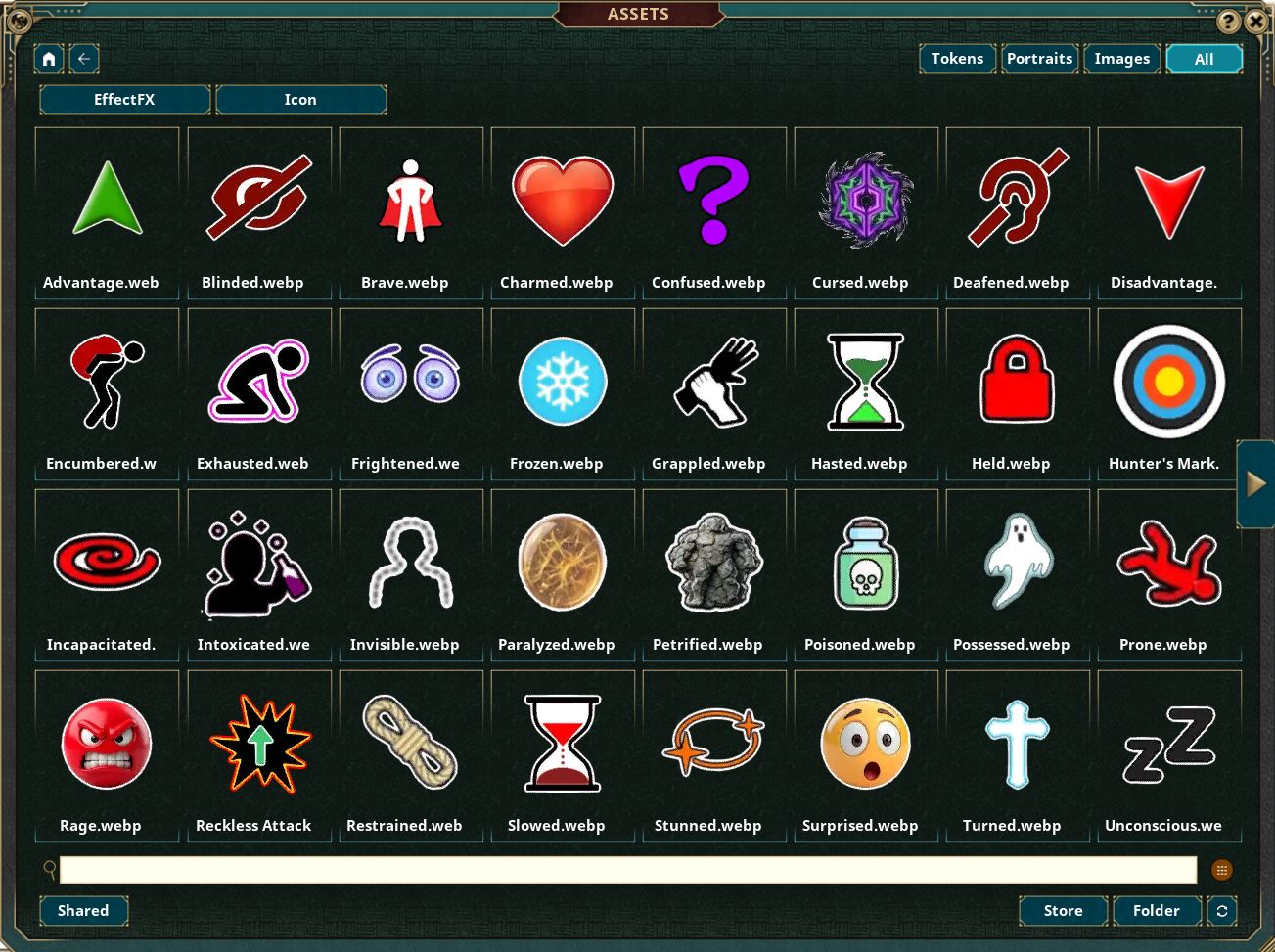
Two versions of icons are provided for most effects, but if you have an image you prefer, you can override these by dragging an asset (token or image) onto either of the existing FX buttons.
New effects can be added using drag-and-drop. Drag an effect onto the UI (onto any existing effect name) to add a new row, then drag an asset onto the default red circle to specify the FX you want.
Several options control the icon size (small, medium, or large), style (off, boxed, or icons), position (which token corner), and flow (up/down, left/right, clockwise/counter, star).
The icons are added on separate map layers, but will move with the map token, and are removed if it is removed.
Two versions of icons are provided for most effects, but if you have an image you prefer, you can override these by dragging an asset (token or image) onto either of the existing FX buttons.
New effects can be added using drag-and-drop. Drag an effect onto the UI (onto any existing effect name) to add a new row, then drag an asset onto the default red circle to specify the FX you want.
UUID 4341c40c-698f-11f1-a411-0050562be458

